Migrating your telephony to Microsoft Teams: a 6-step method
Licences, connectivity, network, number porting, training: the 6 steps to make Microsoft Teams your company phone system without interruption.
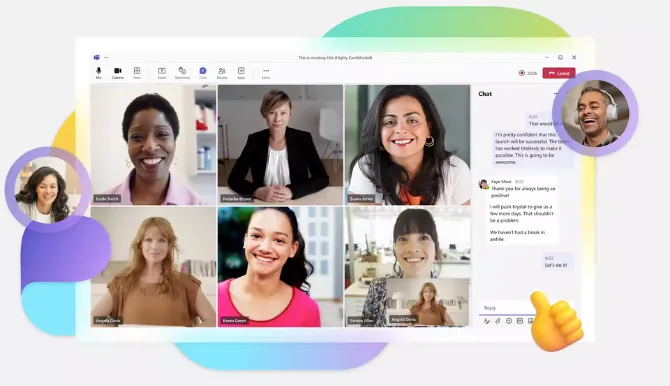
Your staff already use Microsoft Teams for meetings and messages. Why keep a separate phone system? With Teams Phone, external calls arrive directly in the app, on a computer, smartphone or certified desk phone.
Migration is not complicated, but it cannot be improvised: one forgotten number, an unmigrated lift line or a poorly prepared network is enough to spoil the switchover. Here is the method we apply at MLS Communications.
1. Take stock of your current telephony
Before talking about licences, you need to know what you are migrating. The inventory covers:
- Numbers: main numbers, direct lines, fax numbers, service numbers.
- Call scenarios: switchboard, opening hours, call queues, call forwarding, voicemail.
- Special equipment: fax machines, alarms, lifts, door entry systems, payment terminals. These analogue devices do not “speak” Teams and often require an adapter or a dedicated solution.
- Usage: who makes a lot of calls, who works on the move, who needs a desk phone.
The most frequently overlooked items are technical lines (lifts, alarms). Identify them from the start.
2. Choose the right licences
To make and receive external calls, each user needs a Teams Phone licence in addition to their Microsoft 365 subscription. Depending on the subscription, it is either included or available as an add-on.
Shared numbers (switchboard, call queue, reception) use resource accounts, with their own licences. This is the time to review your licences so you only pay for what you need.
3. Choose how to connect to the phone network
Teams must be connected to the public phone network to reach outside numbers. There are two main approaches:
| Approach | Principle | Who is it for? |
|---|---|---|
| Connection via an operator | The operator connects Teams to its network and provides the numbers | Companies that want a turnkey service |
| Direct Routing | A session border controller (SBC) connects Teams to a SIP trunk | Specific needs, multiple sites, coexistence with an existing phone system |
At MLS Communications, our Open Connect service connects Teams to our operator services: Swiss and international numbers, porting of your current numbers and custom routing, with no hardware to install on your premises.
4. Prepare the network
Call quality depends on the network. A Teams audio call uses little bandwidth, but it copes poorly with dropouts and latency. Before the switchover, check:
- internet connection capacity at peak times;
- Wi-Fi quality in meeting rooms and offices;
- firewall and proxy rules for Microsoft 365 traffic;
- voice traffic prioritisation (QoS) on the internal network, if your equipment supports it.
Also think about emergency calls: the address of each site must be registered so that emergency services know where the call is coming from.
5. Test with a pilot group
Never switch the whole company over at once. Choose a pilot group of around ten people with varied profiles: reception, sales, management, remote workers.
For two to three weeks, they use Teams Phone every day with test numbers. You fine-tune call scenarios, queues and equipment before the general roll-out.
6. Port the numbers and support your users
On the day, your numbers are ported to the new connection. In Switzerland, you keep your numbers when you change operator. The switchover is scheduled for an off-peak time and tested immediately.
That leaves the most important part: the users. A short training session (answering a call, transferring, managing voicemail, using the mobile app) prevents most support tickets. Reception staff deserve a dedicated session.
Going further
Once your telephony is in Teams, you can extend it with:
- a contact centre in Teams with Luware Nimbus or Anywhere365;
- call recording that meets regulatory requirements with AudioCodes SmartTAP;
- a virtual SBC to run Teams alongside an existing phone system with AudioCodes Virtual SBC.
Would you like to migrate to Teams Phone? Our experts carry out the inventory with you and propose a suitable migration plan. Contact us.