MCP: query your 3CX phone system in natural language
With the native 3CX MCP server, an AI assistant (ChatGPT, Claude, Copilot…) queries your phone system in natural language, within the permissions you grant.

Which hours see the most abandoned calls? Which queues keep callers waiting longest? These questions usually require an export, a spreadsheet and time. With the native 3CX MCP server, a compatible AI assistant can answer them directly, within the permissions you grant it.
MCP in a nutshell
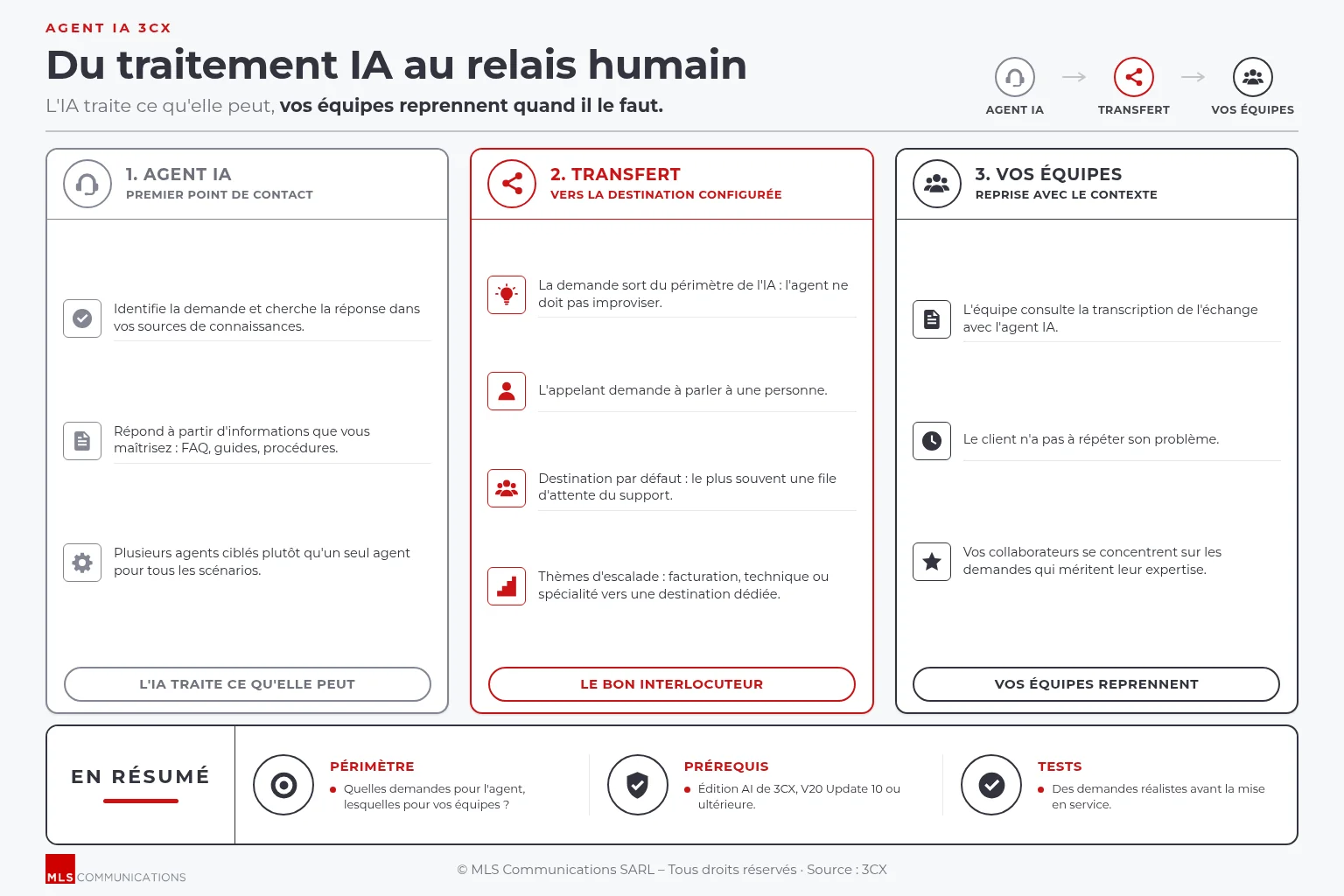
The Model Context Protocol (MCP) is becoming the standard way for artificial intelligence applications to communicate securely with business systems. Since version V20 Update 10, 3CX includes a native MCP server: compatible assistants such as ChatGPT, Claude, Gemini, GitHub Copilot or custom-built assistants can connect to the authorised functions of your phone system, with no specific integration to develop.
Business questions, instant answers
Costas Le Garrec, Account Manager France at 3CX, illustrates the value of MCP with very practical questions a customer can ask their AI assistant:
- Which hours record the most abandoned calls?
- Which queues have the longest waiting times?
- How has support performance changed compared with last month?
For an SME director or IT manager, the difference is clear: analysis no longer depends on a report prepared in advance. According to the 3CX documentation, a connected assistant can also view active calls and queue status, search recordings and voicemails, examine system logs, look up extensions, contacts, numbers (DID) or SIP trunks, and generate reports from the phone system's data.
Beyond viewing data
The MCP server also allows certain supported actions, such as logging agents in or out of a queue, assigning numbers or managing calls in progress. These write functions call for particular care, as we will see below.
Secure, controlled access
Opening your phone system to an AI assistant only makes sense if access remains under control. The 3CX approach relies on several safeguards:
- OAuth authentication: the connection is authorised by an identified 3CX user.
- Inherited permissions: the assistant can only see or do what that user is already allowed to see or do in 3CX.
- Read-only queries: the query tool is limited to SQL SELECT queries on accessible data.
- Controlled actions: 3CX strongly recommends setting write and delete tools to “approval required” or “blocked”.
In practice, we recommend creating a dedicated user with a role limited to actual needs, rather than connecting an administrator account.
Prerequisites and points to watch
The 3CX phone system must be publicly reachable. To use the web versions of ChatGPT or Claude, as well as Claude Desktop, it must be reachable on port 443. Finally, the data accessed passes through the AI assistant you choose: this choice must be consistent with your data protection policy.
Your 3CX hosted in Switzerland
We offer hosted 3CX in the nLighten data centre in Meyrin (Geneva). Your phone system is operated in Switzerland, while remaining securely accessible only to the AI assistants you authorise.
From data to practical use
As Costas Le Garrec points out, MCP opens the way to new reporting and automation services. This is precisely where we come in: defining the questions that matter to your business, configuring access rights, choosing the right assistant and training your teams to make the most of these new possibilities. You stay in control of your solution; we provide the know-how.
Would you like to talk to your 3CX phone system? Contact us to assess the MCP connection for your 3CX and define an access framework suited to your company.